Why Your Phone Battery Drains Fast (And How to Fix It)
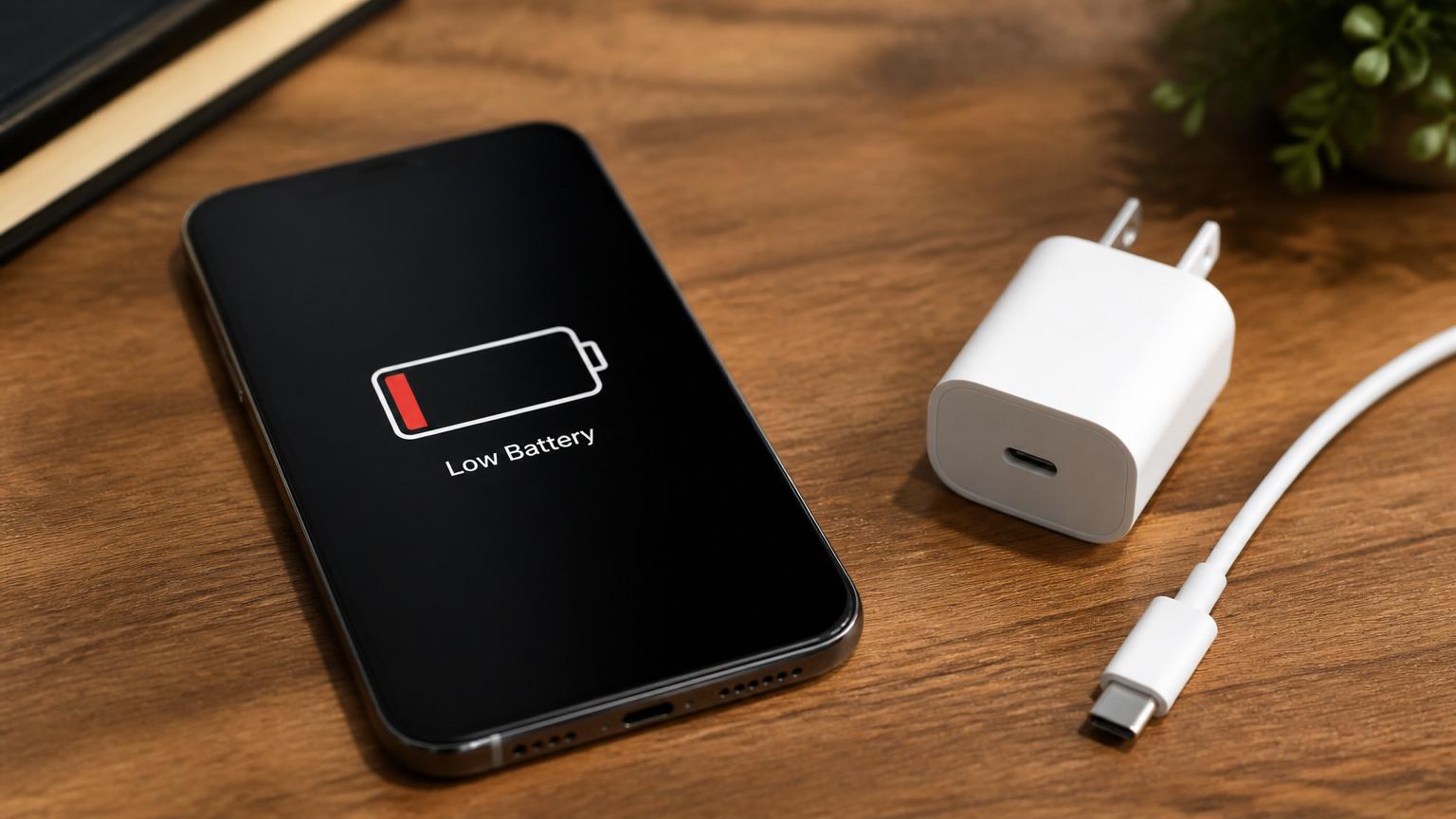
If your phone barely makes it to lunchtime, you are not imagining things. Smartphone batteries are consumables — they wear out with every charge cycle, and once they cross a certain threshold, no amount of tweaking settings will bring the old runtime back. At iFixPro Belagavi we open dozens of phones every week, and battery complaints are still the number one reason customers walk in.
This guide explains what is actually happening inside your phone, which "battery saving" tips are worth your time, and how to tell the difference between a software problem you can fix at home and a worn-out cell that needs a proper Battery Replacement in Belagavi.
1.Why Phone Batteries Degrade
Every modern phone — iPhone, Samsung Galaxy, OnePlus, Google Pixel, Xiaomi, Oppo, Vivo, Motorola — uses a lithium-ion or lithium-polymer cell. These cells store energy through a chemical reaction, and that reaction is not perfectly reversible. Each full charge cycle (0 to 100 percent, or two half charges) slightly reduces the maximum capacity the cell can hold.
Most manufacturers rate their batteries for 500 to 1000 cycles before capacity drops below 80 percent. For an average user that is roughly two to three years of daily charging. After that, the same 100 percent reading on your battery icon represents a lot less real energy than it did on day one.
Heat accelerates the process. A phone left on a bike dashboard in Belagavi summer traffic, or charging under a pillow overnight, ages faster than one kept at room temperature. Fast chargers also generate more heat than slower bricks, which is why phones warm up during a 25W or 65W top-up. The convenience is real, but so is the trade-off.
2.Common Causes Of Fast Battery Drain
Not every drop in runtime means the battery itself is dying. In our workshop we usually work through this checklist before recommending a replacement.
- Background apps that never sleep — social media, delivery, and hyper-local apps often refresh location and content constantly.
- A weak mobile signal — when the phone struggles to hold 4G or 5G, the radio turns up its transmit power and eats battery fast.
- Buggy app updates — one poorly optimised update can pin the CPU at high frequency for hours.
- Always-on display, high refresh rate, and full brightness — great features, expensive on battery.
- A degraded battery that can no longer hold its rated capacity.
- A faulty charging cable or wall adapter that trickles instead of charging.
- Water damage or a swollen cell after a drop — dangerous and needs professional attention.
If your phone was fine last week and suddenly drains in a few hours, the cause is almost always software or a rogue app. If runtime has been steadily shrinking for months, the cell itself is the suspect.
3.Signs You Need A Battery Replacement
There is a clear line between "annoying" and "replace it now." Watch for these signals:
- Battery health below 80 percent on iPhone (Settings, Battery, Battery Health) or the equivalent reading on Samsung Members, OnePlus Diagnostics, or third-party tools like AccuBattery on Android.
- Sudden shutdowns at 30 to 40 percent, then the phone reports a healthy charge again after plugging in.
- The phone gets uncomfortably warm during light tasks like messaging or GPS.
- Charging takes noticeably longer than it used to, or the last 10 percent drops in minutes.
- The back panel, screen, or frame is bulging even slightly — this is a swollen battery and is a safety issue.
- The device restarts on its own when the camera opens or during a phone call.
A swollen battery is not a "watch and wait" situation. Stop charging the phone, keep it away from heat, and bring it in for a same-day inspection. We handle these carefully and dispose of the old cell responsibly.
4.Battery Myths Worth Ignoring
The internet is full of confident but outdated advice. Here is what the current generation of lithium chemistry actually cares about.
- Overnight charging will kill your battery. Not on any phone from the last decade. Modern chargers cut off at 100 percent and top up in small bursts. iPhone, Pixel, Samsung, and most Chinese brands also offer optimised or adaptive charging that pauses at 80 percent and finishes just before your alarm.
- You must always fully discharge before charging. That was true for nickel-based batteries in the 1990s. Lithium-ion prefers small, frequent top-ups. Keeping the phone between 20 and 80 percent is easier on the cell than draining it flat every day.
- Fast charging damages the battery. It creates more heat, which is not ideal, but the impact is small on well-designed phones. If you are worried, use the slower cable overnight and save the fast charger for when you are in a rush.
- Third-party chargers ruin the battery. A cheap, unbranded, uncertified charger absolutely can. A well-known brand with the correct wattage is fine. Look for BIS certification and a proper USB-IF or PD rating.
- Closing background apps saves battery. On both iOS and Android the system already suspends apps you are not using. Force-closing them repeatedly can actually cost more energy when they relaunch.
5.Tips To Extend Battery Life
You cannot stop chemistry, but you can slow it down and squeeze more out of every charge.
- Keep the phone cool. Avoid direct sun, closed cars, and charging while gaming.
- Turn on adaptive or optimised charging in your battery settings.
- Use dark mode on OLED phones like recent iPhone, Samsung Galaxy, OnePlus, Pixel, Xiaomi, Oppo, and Vivo devices — the black pixels are physically switched off.
- Drop the refresh rate to 60Hz when you do not need 90 or 120Hz.
- Turn off Always-On Display or restrict it to notifications only.
- Update apps regularly — most battery-heavy bugs get patched within a version or two.
- Use Wi-Fi in weak-signal areas at home or in your shop instead of forcing the mobile radio to work harder.
- Once a month, check which apps are eating the most battery in your settings, and uninstall or restrict anything you do not actually use.
- Store the phone at around 50 percent if you plan to leave it unused for a few weeks.
Even small changes add up. Customers who apply four or five of these tips usually pick up an extra hour or two of screen-on time.
6.When To Replace Instead Of Repair
There is a point where tweaks and software resets stop helping. If your battery health is below 80 percent, if your phone shuts down unexpectedly, or if it swells even slightly, you need a new cell — not another troubleshooting session.
Replacement is also the smart move in these situations:
- The phone is otherwise in great condition and you want another two to three years out of it.
- You rely on the phone for work, deliveries, ride-hailing, or field service in and around Belagavi and cannot afford a mid-day shutdown.
- You are planning to sell or hand down the device — a healthy battery raises resale value.
- The phone is out of manufacturer warranty and an authorised centre quote is much higher than an independent specialist.
A quality Battery Replacement in Belagavi typically costs a fraction of a new phone and restores original-day runtime. For popular models like iPhone 11, iPhone 12, iPhone 13, Samsung Galaxy S21, S22, and A-series, OnePlus Nord and 9 series, Pixel 6 and 7, Xiaomi Redmi Note, Poco, Oppo Reno, Vivo V-series, and Motorola G-series, we usually have cells in stock and can finish the job the same day. See current rates on our Pricing page or check turnaround on Track Repair.
7.Why Professional Battery Replacement Is Safer Than Diy
Every few months we see a phone that was opened at home with a kitchen knife or a random tool kit from an online marketplace. Sometimes the customer just needs a new back panel. Other times the cell has been punctured, the screen cable is torn, or the waterproof gasket has been destroyed.
Lithium cells are not toys. A puncture can trigger thermal runaway — smoke, fire, and toxic fumes. Even a careful DIY job usually leaves the phone without its original water resistance, because the display or back-glass adhesive is nearly impossible to reapply correctly without proper heat and alignment jigs.
At iFixPro we use temperature-controlled separators, calibrated pry tools, ESD-safe workbenches, genuine or grade-A OEM equivalent cells, and factory-spec adhesive strips. We also run a full post-repair test — charging speed, discharge curve, temperature under load — before handing the phone back. Every iPhone Battery Replacement, Samsung Battery Replacement, and Android battery job comes with a written warranty. If you want the same care applied to other issues, our 10 Signs Your Phone Needs Professional Repair guide is worth a read.
Mobile Repair Belagavi customers also get free pickup and drop within the city for battery jobs booked online, and a loaner phone on request for longer repairs.
8.Frequently Asked Questions
Q: How long should a smartphone battery last before needing replacement? A: Most phones hold healthy capacity for two to three years of regular use, or roughly 500 to 1000 full charge cycles. After that, battery health typically drops below 80 percent and a replacement restores normal runtime.
Q: Is it safe to use my phone while it is charging? A: Yes, for light tasks like messaging or browsing. Avoid heavy gaming, 4K video recording, or navigation while charging, because the combined heat accelerates battery wear and can trigger thermal throttling.
Q: How much does battery replacement cost in Belagavi? A: Prices depend on the model. iPhone replacements start from a few thousand rupees, and most Android replacements are lower. You can see live pricing on our Pricing page or request a quote through Contact.
Q: Do you use genuine batteries? A: For in-warranty devices we recommend the manufacturer service centre. For out-of-warranty phones we use either genuine cells (where available) or grade-A OEM equivalent cells that match the original capacity and safety certifications, backed by our written warranty.
Q: How long does a battery replacement take? A: Most jobs are completed within 45 to 90 minutes at our Belagavi workshop. For iPhone and premium Samsung Galaxy models we also run a full waterproofing reseal, which adds a short curing time.
Q: Will replacing the battery erase my data? A: No. A battery swap is a hardware job and does not touch your storage. We still recommend a recent backup before any repair, and we never ask for your device passcode unless full functional testing requires it.
Q: My phone battery is swollen — can I still use it? A: No. Stop charging it, keep it away from heat and pockets, and bring it in as soon as possible. Swollen cells are a fire risk. We handle them with proper containment and dispose of them safely.
Q: Do you offer pickup and drop for battery replacement? A: Yes, free pickup and drop within Belagavi city for battery jobs booked online through Book Repair.
Book Your Battery Replacement Today
If your phone no longer lasts the day, do not settle for carrying a power bank everywhere. A professional battery replacement from iFixPro restores original runtime, keeps your device safe, and costs far less than a new phone. Book a slot on Book Repair, check current rates on Pricing, or reach us any time through Contact. Belagavi's most trusted mobile repair team is ready when you are.